








EBoo Books Your Appointments Takes Complaints Cancels Orders Receives Your Calls Books Your Calendars Takes Your Orders Offers You Support Answers Your Queries
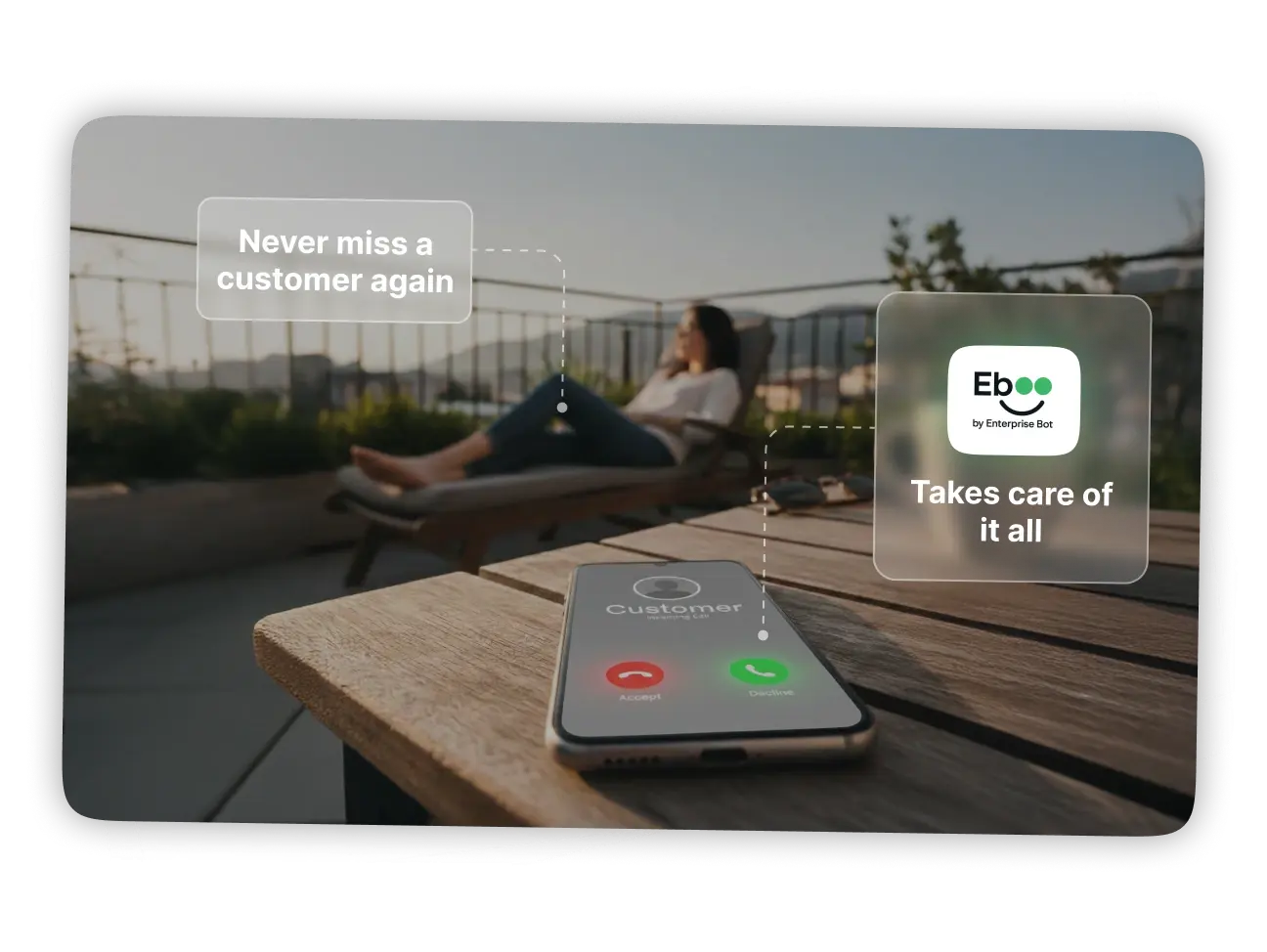
Never miss a customer again.
EBoo picks up instantly, manages callers' needs & works 24/7 so you don’t have to
Heading 1
with a request body that specifies how to map the columns of your import file to the associated CRM properties in HubSpot.... In the request JSON, define the import file details, including mapping the spreadsheet's columns to HubSpot data. Your request JSON should include the following fields:... entry for each column.
Download Products PDF
All the Ways EBoo Makes Your Day Easier
Smart capabilities that keep your business running smoothly around the clock
24/7 AI Call Handling
EBoo picks up every call instantly, answers questions, takes bookings, cancels appointments, and handles customer issues — day or night.Smart Booking & Scheduling
Let customers book appointments, reschedule, or cancel without waiting on hold. EBoo updates your calendar in real time.Order & Inquiry Management
From taking new orders to sharing prices, availability, or product details — EBoo manages customer requests without needing staff.Handles High Call Volumes
Run up to 10 AI agents at once (Grow plan) so no customer ever hears a busy tone.Heading 1
with a request body that specifies how to map the columns of your import file to the associated CRM properties in HubSpot.... In the request JSON, define the import file details, including mapping the spreadsheet's columns to HubSpot data. Your request JSON should include the following fields:... entry for each column.
EBoo works with your favorite apps
From Google Calendar to WhatsApp, CRMs to payment tools. EBoo plugs into the apps that run your business
EBoo works with your favorite apps
From Google Calendar to WhatsApp, CRMs to payment tools. EBoo plugs into the apps that run your business
Heading 1
with a request body that specifies how to map the columns of your import file to the associated CRM properties in HubSpot.... In the request JSON, define the import file details, including mapping the spreadsheet's columns to HubSpot data. Your request JSON should include the following fields:... entry for each column.
and many more...
See What You Can Build with EBoo
Discover how different roles use EBoo, simply hover to learn more
Books slots, explains services, and sends confirmations instantly
Launch Your Own EBoo Operator Instantly -
Simple, Transparent Pricing
Scale your voice AI agents with flexible pricing
Note: 1 digital conversation counts as 1 minute of voice in your package. SMS messages cost $0.01 per message sent.
1 Agent
Starter
Your personal operator
500 min/mo (~100 calls)
Additional conversations $0.18 each
Includes 500 min/mo (~100 calls)
Often replaces ~1 FTE* • 24/7 coverage
Never miss another appointment or prospect — 24x7
One production AI Agent (voice/chat)
Plug-and-play flows & templates
Channel routing & handoff to humans
Basic analytics & transcripts
Email support
Up to 10 Agents
Business
Your operator team — support, sales & more
5000 min/mo (~1000 calls)
Additional conversations $0.15 each
Includes 5000 min/mo (~1000 calls)
Often replaces ~3-10 FTEs*
Shared knowledge across channels
Never miss another appointment or prospect — 24x7
Up to 10 concurrent AI Agents
SMS & email confirmations, warm transfer
Multi-language support
Priority email support
Role-based access & SSO (basic)
Growth analytics (conversion, topics)
100+ Agents
Enterprise
Your global workforce with governance
PII/GDPR, audit-ready
Scale to 100+ agents across regions
Data residency & regional deployment
PII redaction & vaulting
GDPR compliance + DPA & SCCs
Call recording controls & audit trails
Dedicated VPC / Private networking options
24/7 priority chat support & uptime SLAs
Dedicated CSM & solution architect
Ready to let EBoo handle your calls?
Heading 1
with a request body that specifies how to map the columns of your import file to the associated CRM properties in HubSpot.... In the request JSON, define the import file details, including mapping the spreadsheet's columns to HubSpot data. Your request JSON should include the following fields:... entry for each column.